 Morning Board
Good morning. Here is what needs you today.
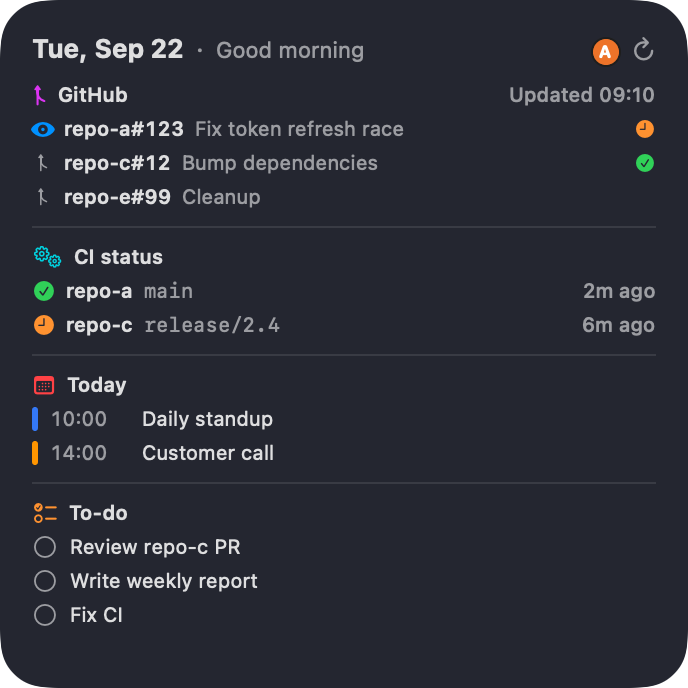
Morning Board is a desktop widget for your Mac. Pull requests waiting on you, CI for the repositories you care about, the rest of today's calendar and your top reminders, in one glance and across every GitHub account you use.
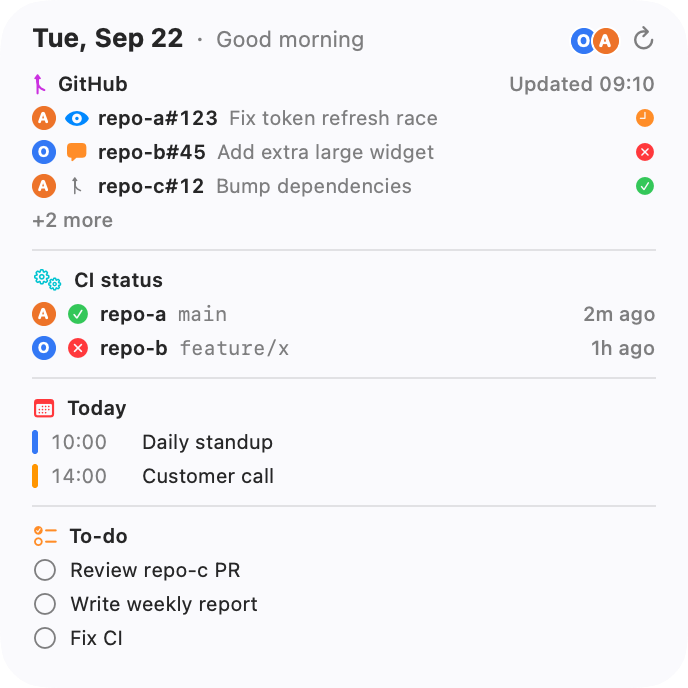
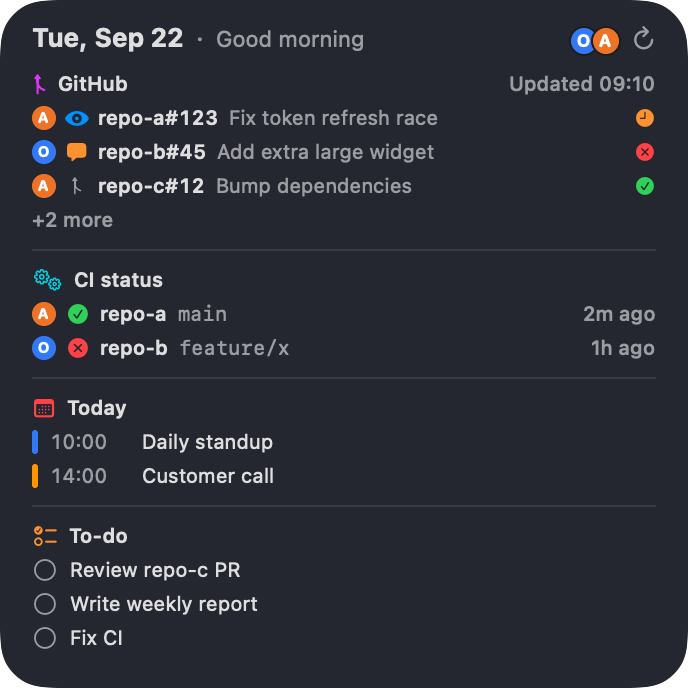
Four things you check every morning, stacked in one widget
Each part works on its own. If one source is unavailable, only that part says so; the rest keeps updating.
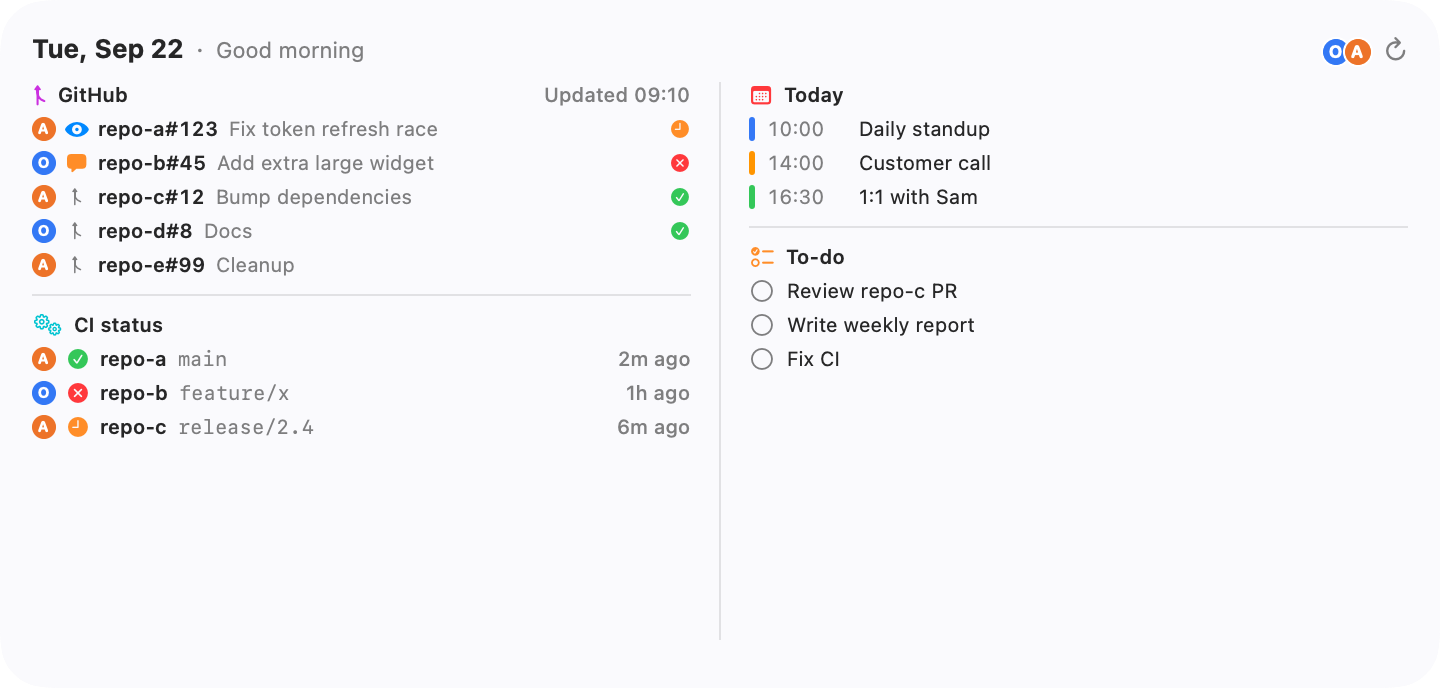
-
Pull requests
Reviews requested from you come first, then your own pull requests where someone else spoke last, then the rest by last update. The order is fixed, so it never looks shuffled.
-
CI status
Only the repositories you choose to follow. Each row shows the most recently pushed branch and whether its checks passed, failed or are still running.
-
Today
The rest of today from the Calendar app, so the iCloud, Google and Exchange calendars you already added to macOS appear without another sign-in.
-
To-do
Your top reminders from the Reminders app, earliest due first. Click the circle to complete one without opening anything.
Personal and work, together or apart
Add a token for each login, and for each organization whose repositories you want: a fine-grained token reaches one owner, so one login can be connected more than once. Each connection updates on its own, and one failing never stops the others.
All accounts in one widget
The default. Every row carries a colored initial so you can tell which account it came from.
One account per widget
Pick an account in Edit Widget and put work on one side of the desktop, personal on the other.
When it cannot reach GitHub, it says so
A dashboard that quietly shows old data as if it were current is worse than no dashboard. Morning Board keeps the last good data, shows when it was fetched, and names the problem for the one account or module it affects.
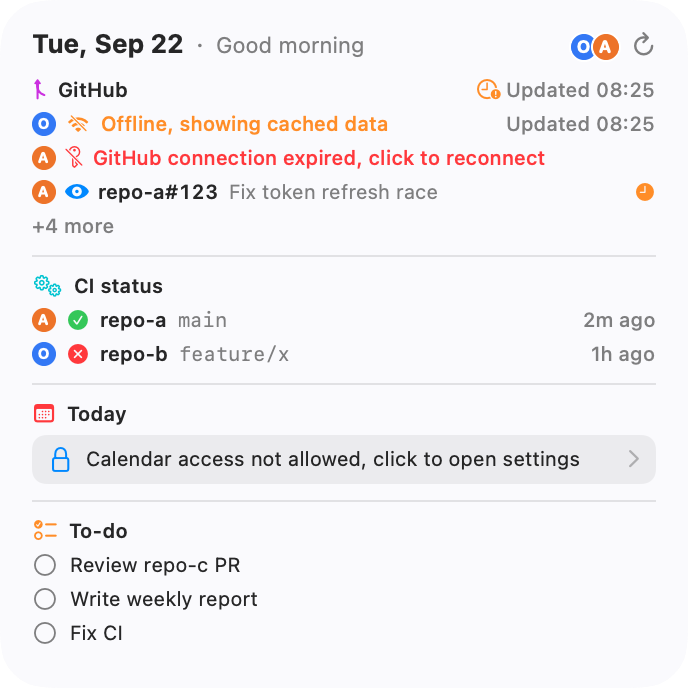
GitHub connection expired, click to reconnect
- The token was revoked or expired. Only that account is affected, and one click takes you to reconnect it.
Offline, showing cached data
- No network. You see the last data with the time it was fetched, not a blank widget.
Hidden by organization policy
- A work organization has not approved the token. Just that repository is marked; the rest are unaffected.
Calendar access not allowed, click to open settings
- The calendar part waits for permission. Pull requests, CI and reminders keep working.
Read-only, with nothing in between
You create a fine-grained token that can only read the repositories you select. It is kept in your Mac's Keychain and sent to api.github.com and nowhere else. There is no Morning Board server, account or sign-up.
The token needs
- Metadata Read-only required by GitHub for any repository access
- Pull requests Read-only your review requests and your own PRs
- Commit statuses Read-only the pass or fail mark next to each PR
- Actions Read-only CI runs for the repositories you follow
GitHub renames permissions now and then. The setup guide explains what each one is for, so you can match it on the page you see.
Guides
Practical notes on GitHub tokens, Mac widgets and staying on top of reviews. English only.
A read-only GitHub token for a dashboard
Which fine-grained token permissions a PR and CI dashboard actually needs, why none of them are write permissions, and what to do when a work organization has to approve it.
How to put a widget on the Mac desktop
Desktop widgets arrived in macOS Sonoma. Where the widget gallery is, how sizes work, and how to run two copies of the same widget with different settings.
Every way to see what is waiting for your review
The GitHub search that lists your review requests, the gh command that does the same in a terminal, and what notifications miss. Useful whether or not you install anything.
Start the day knowing what is waiting
Connect an account, pick the repositories to follow, and add the widget from Edit Widgets.